How to get your products recommended by ChatGPT
Updated October 19, 2026
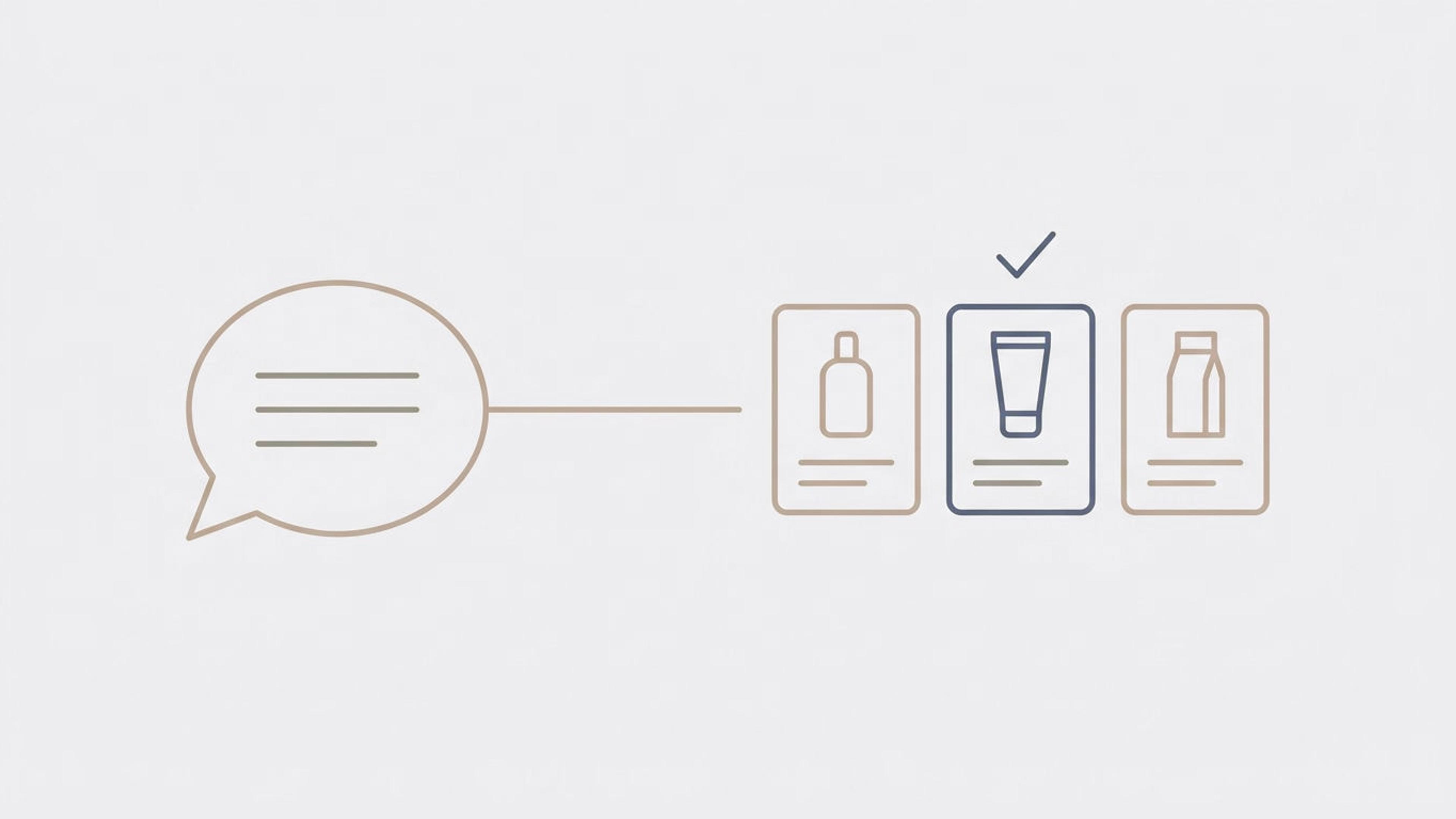
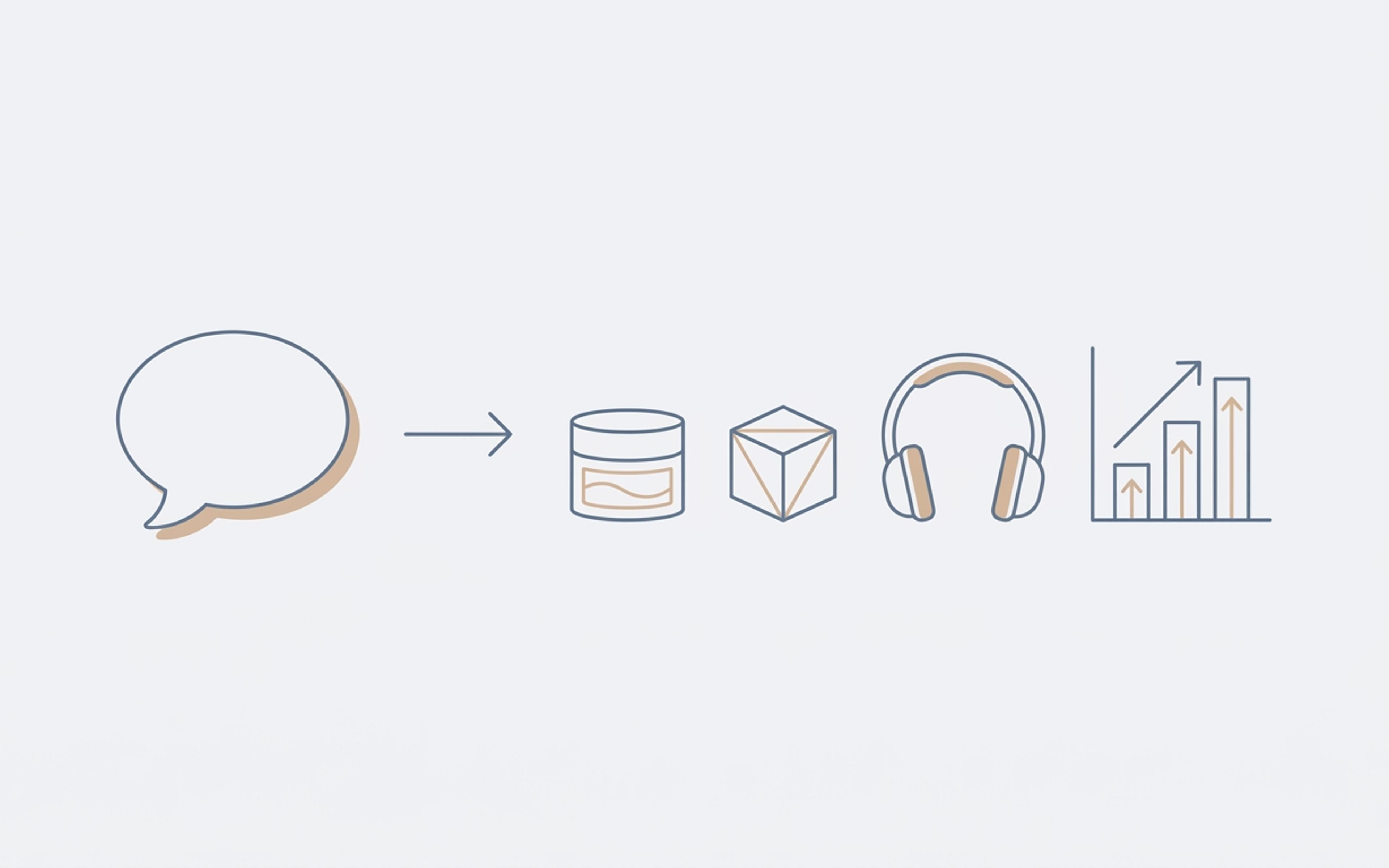
When a shopper asks ChatGPT what to buy, it often answers with a short row of products, each with a photo, a price and a link to the store. You can't pay to be in that row. OpenAI says the products ChatGPT shows are chosen by ChatGPT, aren't ads and aren't influenced by OpenAI's partnerships.
So getting recommended comes down to two things you can work on. ChatGPT has to be able to reach your products. And what it reads about them has to give it a reason to pick yours. This guide covers both, step by step, for a store on Shopify. If you're on another platform, there's a section for you near the end.
Two ways your products reach ChatGPT
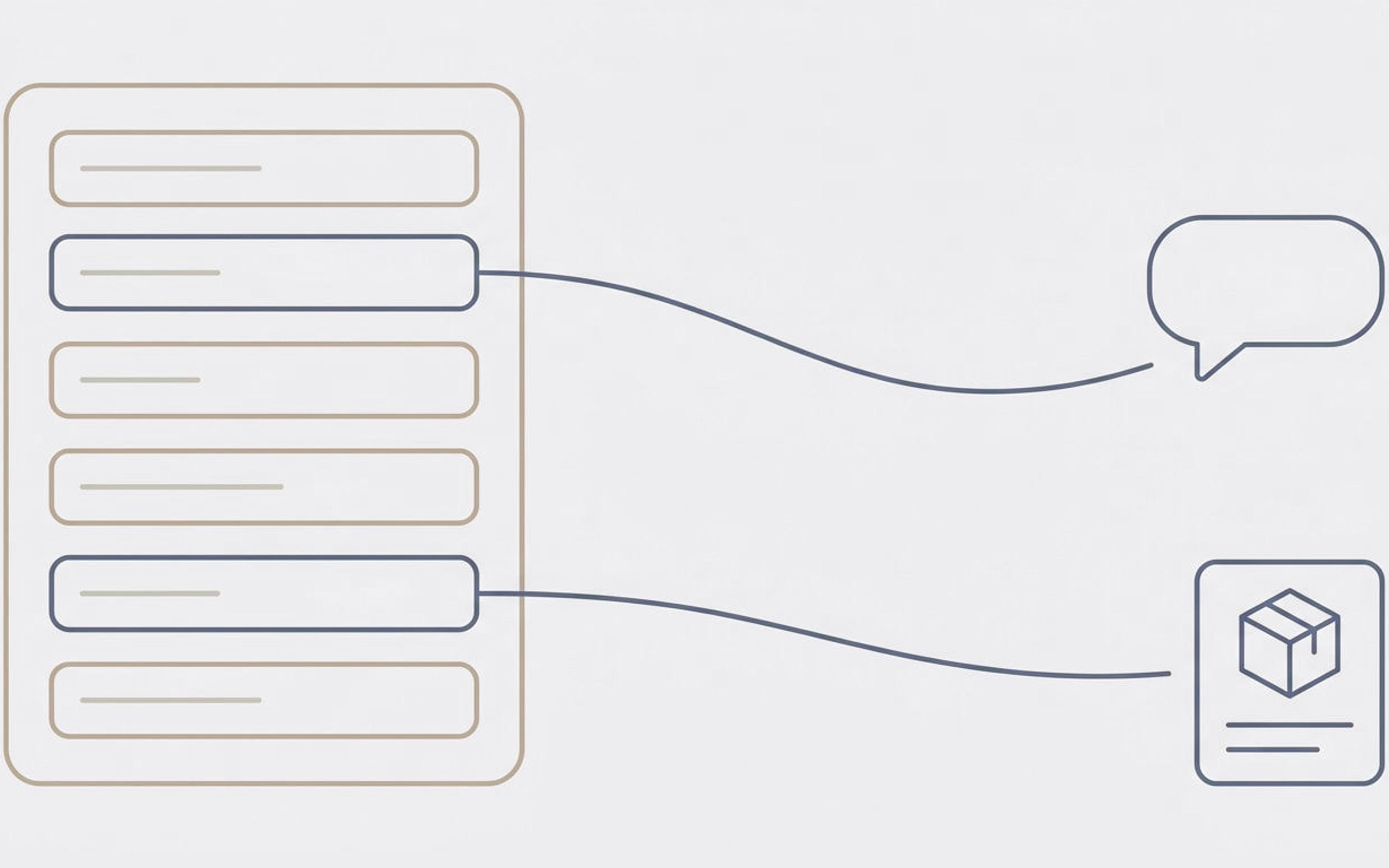
Through Shopify. Shopify shares your products with AI tools through its agentic storefronts feature. Shopify says it's on by default for eligible stores, and that it reaches ChatGPT, Microsoft Copilot, and Google's Gemini and AI Mode. ChatGPT gets your titles, descriptions, prices and stock straight from what you've saved in Shopify.
Through the web. When ChatGPT searches the web for an answer, it sends a program called OAI-SearchBot to read pages, including your product pages. A program like this, which visits web pages and copies them, is called a crawler.
Both matter. The first decides whether ChatGPT knows your products exist. The second adds what your product pages say, and what other websites say about you.
Step 1: Check that ChatGPT can reach your store
In Shopify: go to Sales channels → Agentic in your Shopify admin. This is where you choose which AI channels sell your products. Make sure ChatGPT is on.
On your website: open yourstore.com/robots.txt. Your robots.txt file tells crawlers which pages they may read. Look for a line that says OAI-SearchBot followed by "Disallow: /". OpenAI says a site that blocks OAI-SearchBot won't be shown in ChatGPT's search answers. Shopify's default robots.txt doesn't block it, but a theme change or an app can.
You may also see GPTBot in that file. GPTBot is a different OpenAI crawler that collects pages to train future AI models. OpenAI treats the two separately, so blocking GPTBot doesn't keep you out of search answers.
In your security settings: if your domain runs through a service like Cloudflare, check its settings for AI programs. A setting that blocks "AI bots" can block OAI-SearchBot along with the training crawlers. This is a job for whoever set up your domain.
Step 2: Ask ChatGPT what it already says
Before you change anything, find out where you stand. Write down five questions your customers would ask before buying, in their own words. For example: "What's a self-watering planter big enough for a fiddle leaf fig, under $80?" Ask ChatGPT each one and note which products it names, and which websites it links to.
Then ask about one of your own products by name. Is the price right? Does it know who the product is for? Wrong or missing answers point to what to fix first. Our AI visibility audit guide walks through this in more detail.
Step 3: Give ChatGPT a reason to pick your product
OpenAI says ChatGPT shows a product when it judges the product relevant to what the shopper asked. It can weigh things like price and reviews, along with anything the shopper has told it.
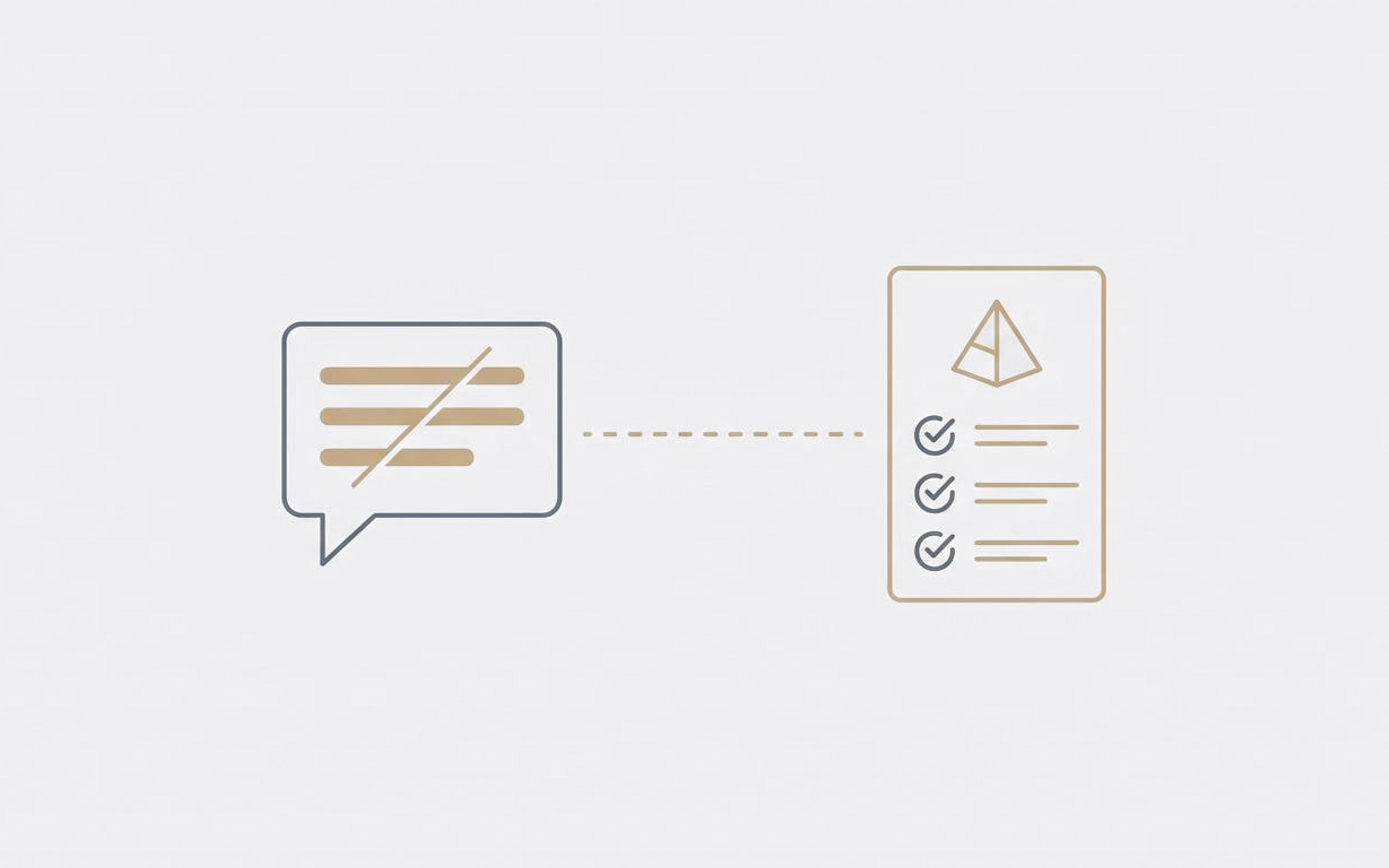
That means your product information has to answer the shopper's question. If a shopper asks for a planter "big enough for a fiddle leaf fig" and your listing never gives its size, ChatGPT has nothing to match. Shoppers ask AI full questions, not keywords. We cover how to find those questions in Shoppers don't type keywords into AI.
For each of your best sellers, make sure your Shopify product information says:
- what the product is, in the words a shopper would use
- who it's for, and what it's for
- the details shoppers filter by, like material, size, fit and what it works with
- how it's different from similar products
Where each of these lives in your Shopify admin is in AEO for Shopify: where your product data lives.
Step 4: Keep price and stock right everywhere
ChatGPT shows a price and whether a product is in stock. If those don't match your product page, the shopper notices the moment they click. Shopify keeps the data it shares up to date for you. The places that can drift are the ones you set up separately. One is the hidden code on your product page that labels the price for computers, called structured data. The other is any product feed, a file listing your products, that you send to Google or other shopping tools.
Check: pick three products and compare the price and stock in your Shopify admin, on the product page, and in Google's Rich Results Test. All three should agree.
Step 5: Make the product page ready for the shopper ChatGPT sends
According to Shopify, shoppers who come from ChatGPT check out on your own online store. So the click from ChatGPT lands on your product page, usually from a shopper who has already decided the product fits.
What's left for that shopper is whether it reaches them, how fast, at what cost, and whether they can send it back. Put the shipping cost, delivery time and return window on the product page itself, near the price. We look at how shoppers from AI behave on product pages in AI shoppers convert 54% better.
Step 6: Know what other websites say about you
ChatGPT doesn't only read your store. For "best of" questions especially, it leans on reviews, list articles and forums. We explain why in Why "best X" answers cite lists.
You can't write those pages yourself, but your own product information still matters there. When a review mentions your product, ChatGPT can check it against your listing. A listing that clearly states what the product is and who it's for backs up what other people say.
If your store isn't on Shopify
Stores on other platforms can apply to send OpenAI a product feed. OpenAI's product feed specification lists the fields every product needs: an ID, title, description, link, brand, seller name, image, availability and price. It says to update the feed whenever a price or stock level changes. It also says plainly that being eligible doesn't guarantee your products will be shown.
Steps 1 to 6 still apply. Your product pages still need to answer shoppers' questions, and OAI-SearchBot still needs to be able to read them.
What you can't control
ChatGPT chooses which products to show, and OpenAI doesn't publish how it ranks them. The short labels it adds, like "budget-friendly", are written by ChatGPT, not by you. The way ChatGPT shopping works also changes quickly. OpenAI let shoppers pay inside ChatGPT in 2025, then moved checkout back to merchants' own stores in 2026. We covered that change in AI shopping agents skip your homepage.
What holds steady is the part you own: product information that's complete, accurate, and answers the questions your customers ask. If you'd like to see what AI tools can read from your store today, run the free check.