Shoppers don't type keywords into AI. They describe what they need.
Melvin Adu · Founder, Store AEO · October 11, 2026
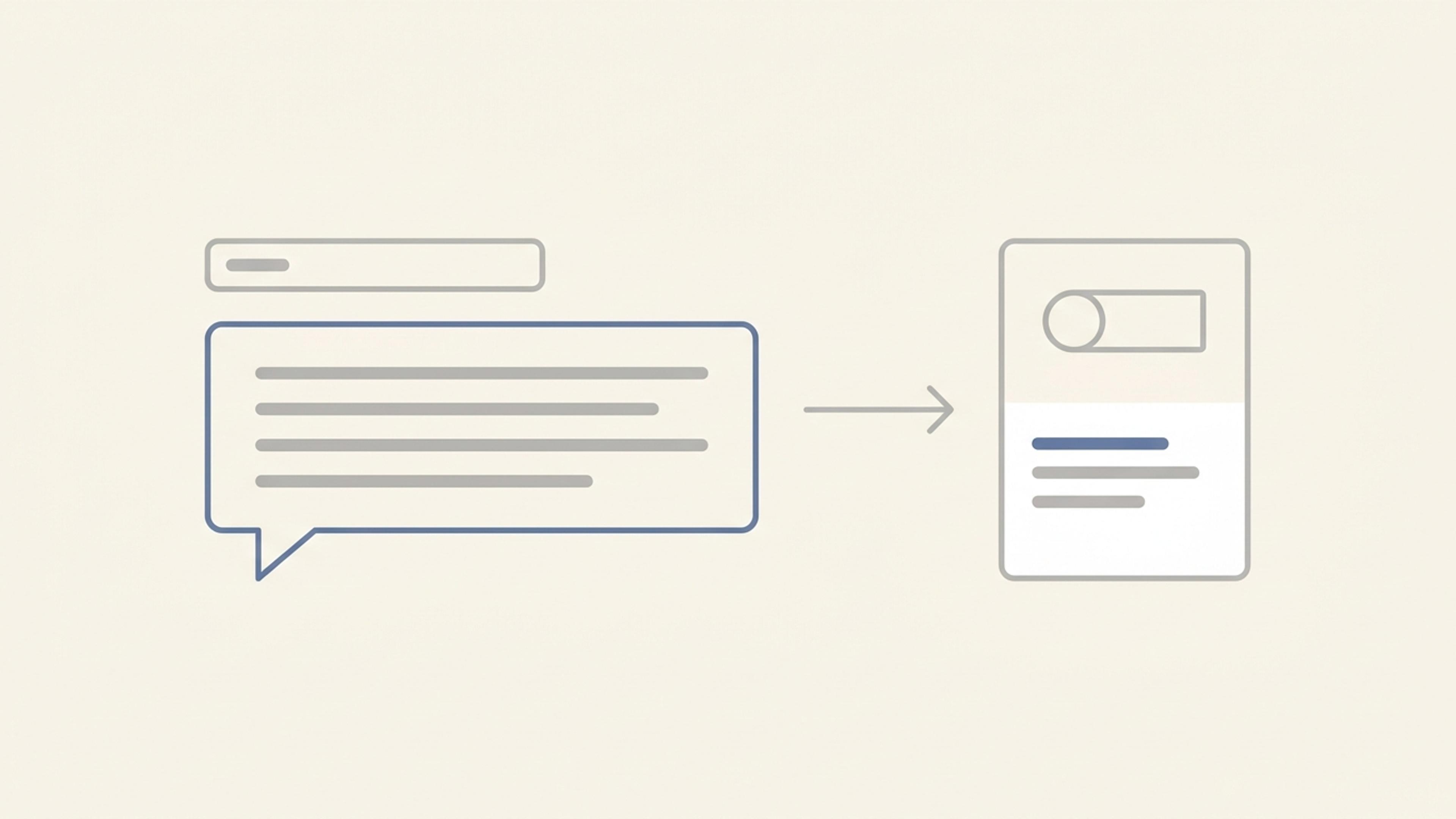
A shopper searching Google types "women's trail running shoes." The same shopper asking an assistant writes something closer to: "I run about 20 miles a week on muddy trails, I have wide feet and I keep getting blisters. What should I look at under $150?"
Google has measured the shift on its own product. When it rolled out AI Mode, it said early users were asking questions "two or three times the length of traditional search queries."
The extra words are the useful part.
What the extra words carry
A keyword names a category. A full question carries the details that decide the purchase:
- The situation: muddy trails, 20 miles a week.
- The person: wide feet, prone to blisters.
- The limit: under $150.
- Sometimes a comparison: "is this better than that for what I need?"
To answer, an assistant needs a product it can match to each detail, and a reason it can give for each one.
Keyword pages don't answer questions
Product pages written for search tend to repeat the category: "women's trail running shoe" in the title, the description and the alt text. That told a search engine what the page was about. It doesn't tell an assistant whether the shoe suits wide feet, mud, or long distances.
The details that answer a full question are usually ones the store already knows: the width, the lug depth, who the product is built for, what customers say about fit. They're often in a buyer's head, a size chart image, or a support reply. They're rarely in the product data.
Start from your customers' questions
The best source for the questions shoppers ask assistants is the questions they already ask you:
- Pre-sale emails and chats: "Does this run small?" "Will it work with my…?"
- Reviews, especially ones that explain why the product did or didn't work.
- Return reasons. Each one is a question the page didn't answer.
- Your support team, who answer the same five questions every week.
Write those questions down for your best sellers, then group them: fit, use, compatibility, care, shipping.
Then check the page against them
For each question, find where your product data answers it: the title, the description, the attributes, the structured data, the FAQ on the page. If the answer only exists in a support reply, an assistant can't use it, and neither can the shopper reading the page.
Write answers as facts, in your customers' words. "Wide toe box; runs half a size small; most wide-footed reviewers sized up" is something an assistant can repeat. "Engineered for all-day comfort" isn't.
What you can't control
Which questions shoppers ask on a given day, how each assistant interprets them, and which product it names. Covering the questions doesn't guarantee a mention. It means that when a question fits your product, your product data has the answer.
Try it this week
- Pick one best seller and write down five questions real customers have asked about it.
- Ask each one, in full, in ChatGPT and Perplexity.
- Note which products get named, and the reasons given.
- Check whether your page answers each question as plainly as the products that got named.